See what the Studio does
Make clips from photos or prompts, change them, and keep them all in one place.
Make a clip
Every plan
Image to video
Add a photo and say how it should move. The people, place and light stay as they are. No photo? Describe the scene instead.
Open the Studio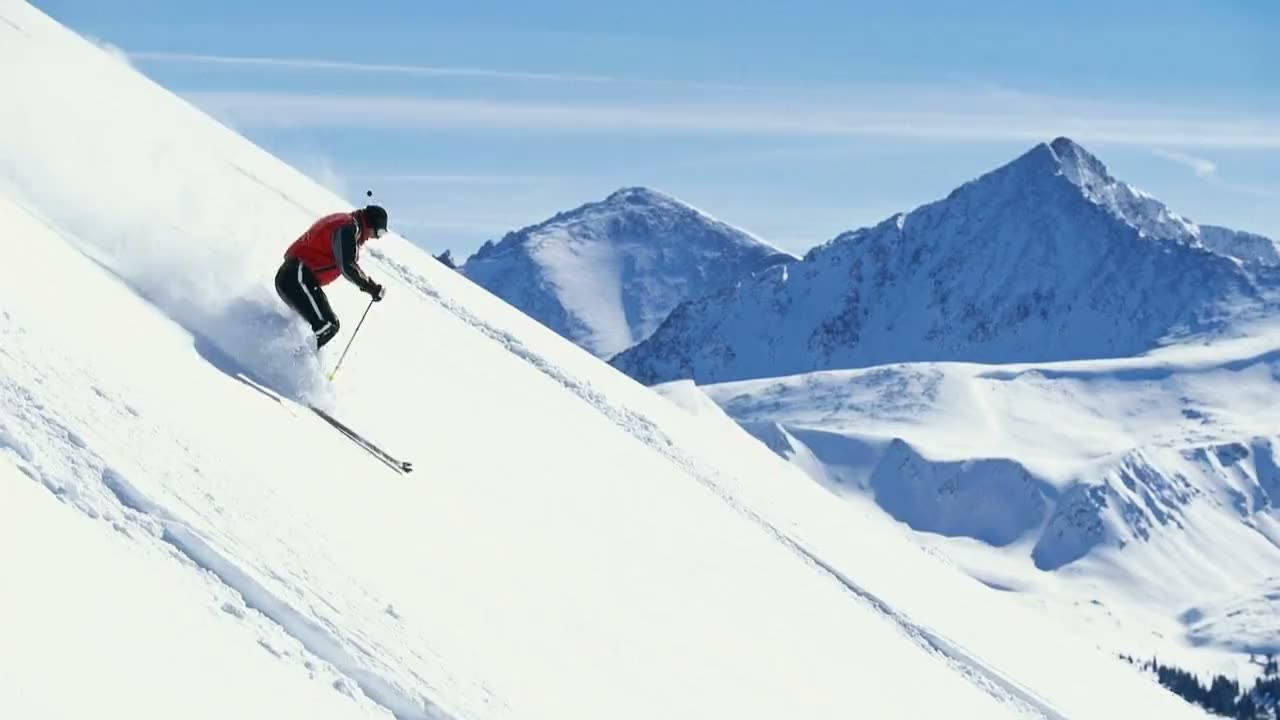
Shorts
Vertical templates. Pick one, add a photo, and the prompt, shape and engine are filled in.
See the templatesProduct ads
Square, vertical or wide templates. Start from one product photo and chain clips from each last frame.
Make a product adChange a clip
Pro, Studio and Max
Motion Warp
Upload a clip and say what should change: the car, the weather, the style. The camera move and motion stay.
Try Motion WarpThe promptReplace the red sedan with a bright yellow Porsche 911 GT3 RS. Keep the same driving path, speed and camera movement.
More Motion Warp results
Studio and Max
Extend video
Say what happens next. The new part picks up from the last frame, in the same scene and style.
Extend a videoPick an engine
6 engines. Pick one for each clip and see the price before you send.
Compare the enginesMotion 1
Everyday clips- Length
- 5, 10 or 15s
- Quality
- 720p
- Audio
- Included
Keep your work
- Threads
- Every prompt and result is saved, so you can pick up or try a variation.
- Gallery
- Every clip in one place, to rewatch or download.
- Private by default
- Your threads and clips are yours. Nobody else can see them.
- Credits
- Each plan includes monthly credits. You see the price before you send.
Make your first clip
Add a photo, describe the motion, get a clip back.
One free Motion 1 Turbo clip (watermarked) once you confirm your email. No card needed. Plans from $16 a month, billed yearly.